Deluxe buyers should plan for the official launch
The Planet Zoo 2 Deluxe Edition does not advertise an earlier playable date, so plan to start at the official launch time of 3:00 PM BST on October 13, 2026. Steam pre-purchasers can preload, with Frontier targeting 3:00 PM BST on October 12 for that download to become available.
Early access, preload and playing at launch
- Does the Planet Zoo 2 Deluxe Edition include early access?
- Early access is not advertised as a Deluxe Edition benefit. The Standard and Deluxe PlayStation listings show the same October 13, 2026 release time, and Frontier gives a single official launch time of 3:00 PM BST that day. If your reason for upgrading is to play sooner, choose your edition based on its included content instead.
- When can players preload and start playing according to the official launch announcement?
- Frontier states that the game launches at 3:00 PM BST on October 13, 2026. Players who have pre-purchased on Steam can preload, with availability targeted for 3:00 PM BST on October 12. Treat the preload time as Frontier's target rather than a guaranteed download opening, and use the launch time when planning your first session.
- Is the Steam preload offer limited to Deluxe buyers?
- Frontier describes Steam preload eligibility in terms of having pre-purchased the game, without restricting the offer to Deluxe buyers. The condition to look for is a Steam pre-purchase. You do not need to choose Deluxe just to meet the announced preload condition.
- What does the Deluxe Edition include?
- The Deluxe Edition bundles the base game with the Deluxe Upgrade Pack. That pack adds six animal species and a selection of exclusive animal signs for decorating your park. Consider whether those additions suit your zoo plans when deciding which edition to buy.
- Does the pre-order Bonus Content Pack arrive before launch?
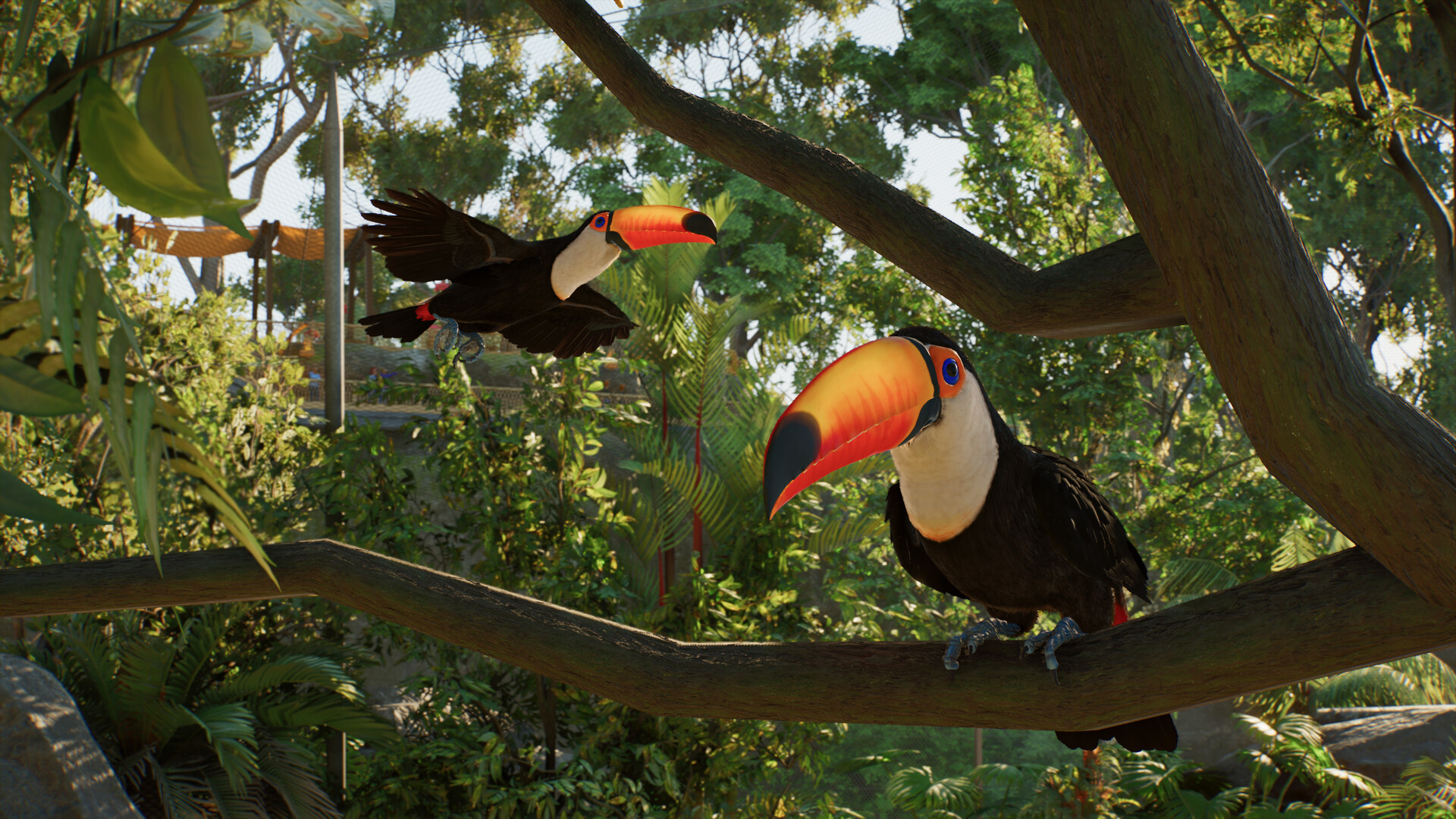
- Frontier says pre-order buyers receive the Bonus Content Pack at launch. It includes the Toucan Eat Shop and Signage, three Unique Animal Donation Bins, and the Tiger Photo Stand-In Wall. These are the listed bonus items; use the official launch schedule to plan when you will begin playing.
Check the Steam edition before purchasing
If you want to use the announced Steam preload, review your purchase on the Steam page. Compare the edition contents with what you want for your zoo, and keep the preload target separate from your planned playing time. When scheduling your first session, convert the announced BST launch time to your local time.